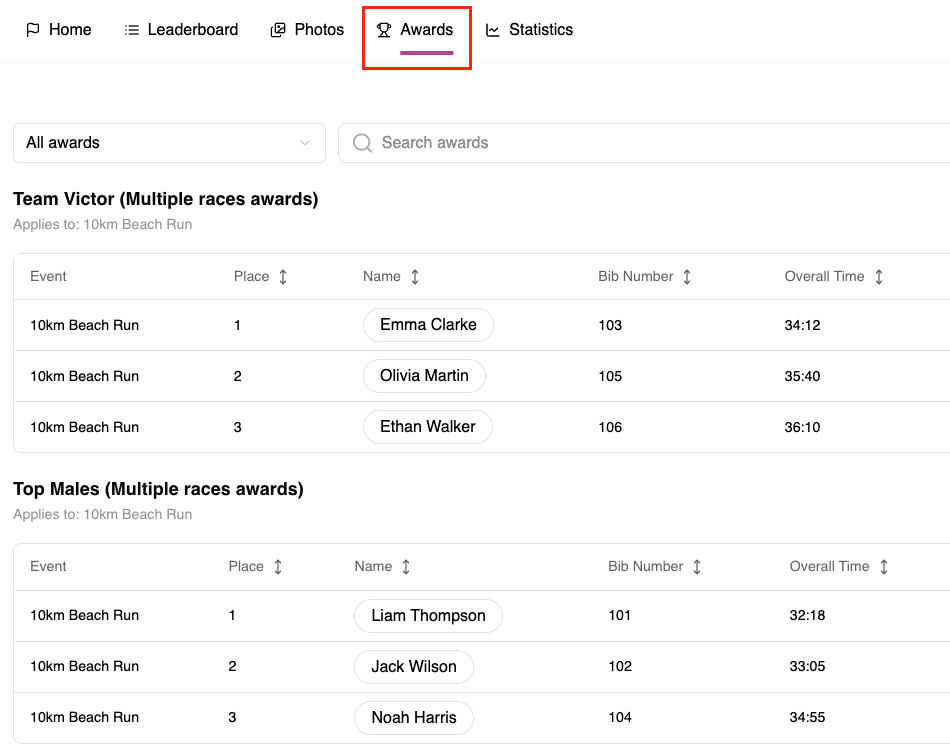
Use the Results platform to assign awards based on Custom Values included in uploaded results data. This allows for flexible award categories beyond standard fields, enabling recognition based on custom groupings such as divisions, categories, or externally defined data. Follow the steps below to configure and assign awards using a Custom Value.
1. Log into the dashboard as a Timer to open the Timer Dashboard. Alternatively log in to your dashboard as an Event Organizer then navigate to the left hand sidebar and select Results under Apps.
2. Upload structured results to the desired race.
3. Ensure the required custom value is added as a column within the results data.
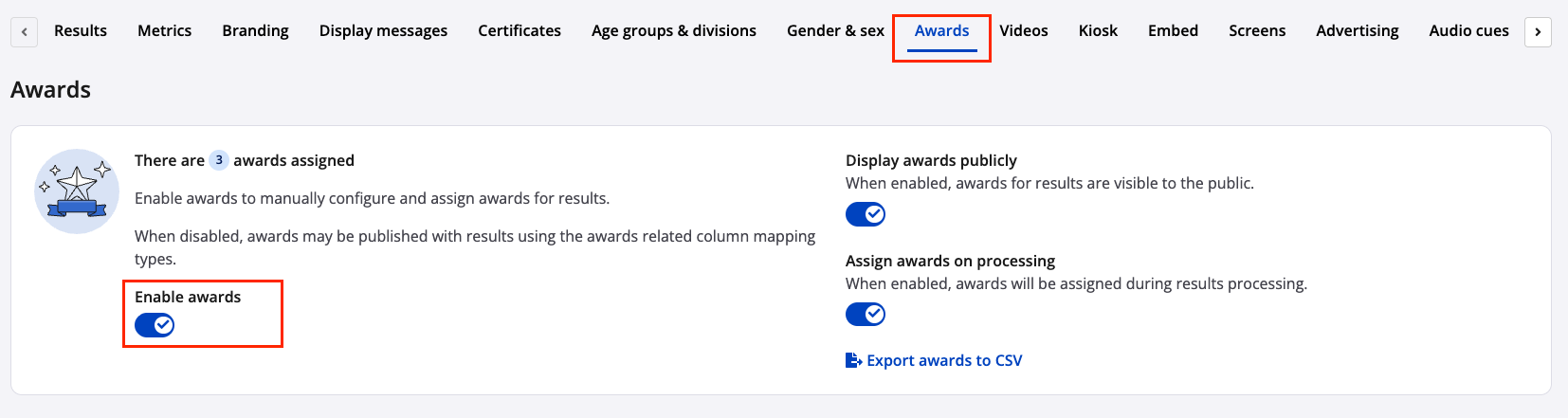
4. Select Awards at the top of the page and toggle the feature on.
5. Click Create award and complete the following:
- Enter an award label
- Select whether the award is based on rank or time
- Define the number of recipients to receive the awards
- Apply any additional restrictions as required
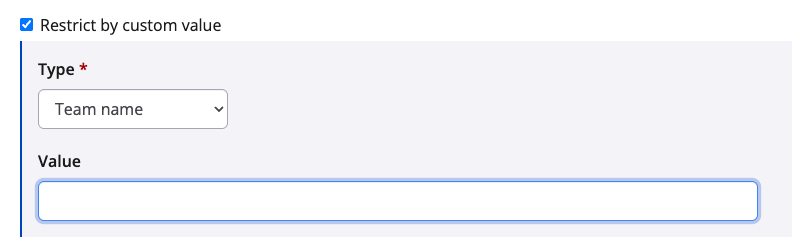
6. Enable Restrict by custom value and select the relevant custom value. These values will be preset based off your results upload.
7. Click Save & Exit to return to the Awards overview page.
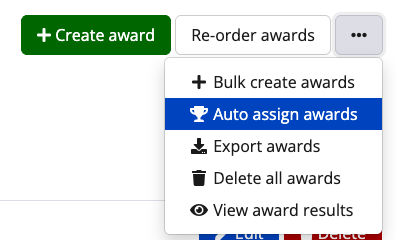
8. Select the three-dot action menu and click Auto-assign awards.
9. Once assigned, award winners will be visible on the results page.