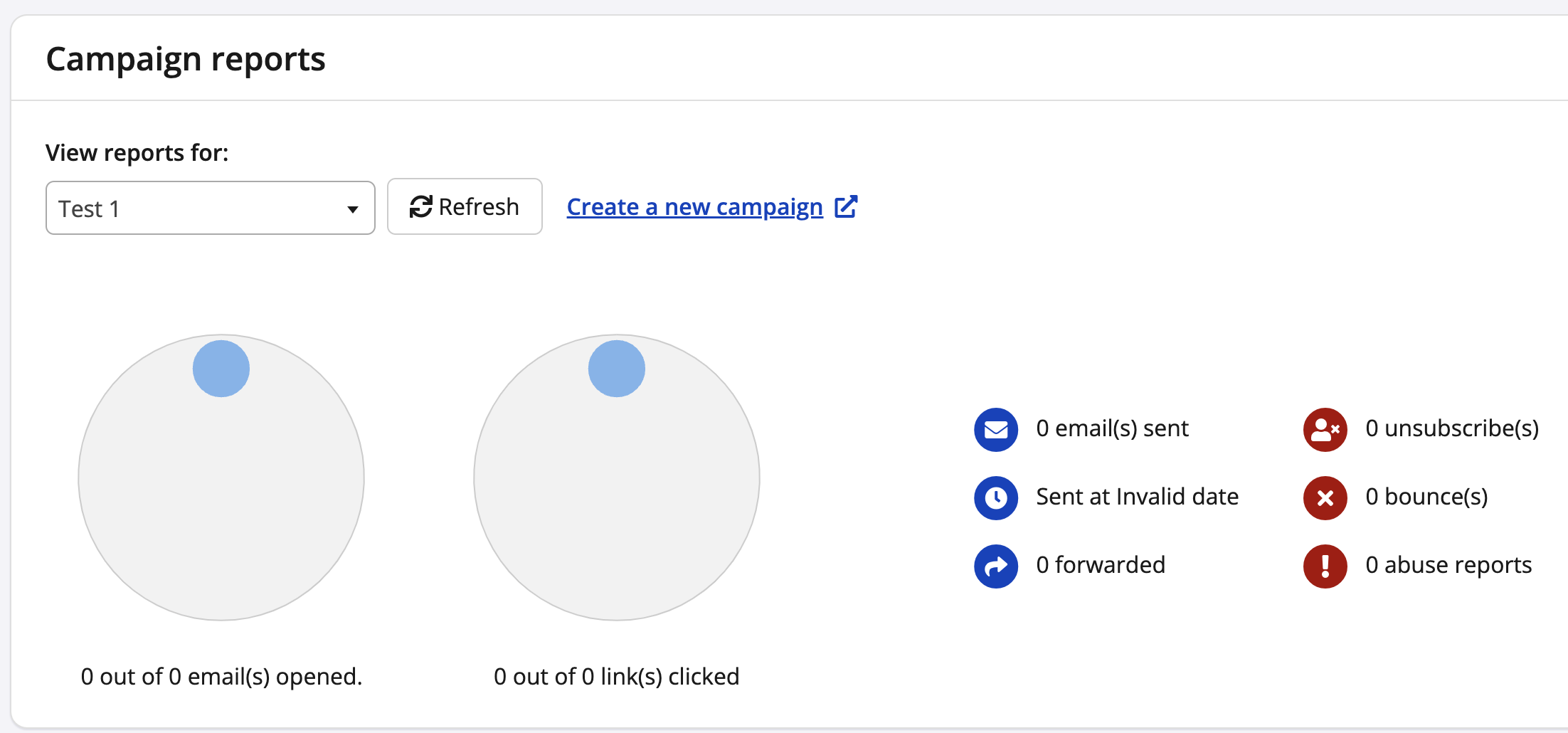
To access Race Roster email functions, you need 'MailChimp' and 'Campaigns' activated in your staff access settings for the specific event. You may ask the event's full control administrator to enable these options as outlined in our other article, How to change or restrict staff access permissions for an event.
1. Sign into Race Roster and visit your event organizer dashboard. Then, select to view the dashboard of the event you wish to manage.
2. Now on the event dashboard, scroll to the very bottom of the lefthand menu until you see MailChimp (alternatively, search the term "mailchimp").
3. Scan past the syncing options to Manage and View Campaigns.
4. Select a campaign report from the drop down list to retrieve analytics including open rate, click rate, bounce rate and your number of unsubscribers (pictured below).
Looking for more on email campaigns and MailChimp? Visit the section on Email Composer, Campaigns and MailChimp Integration.