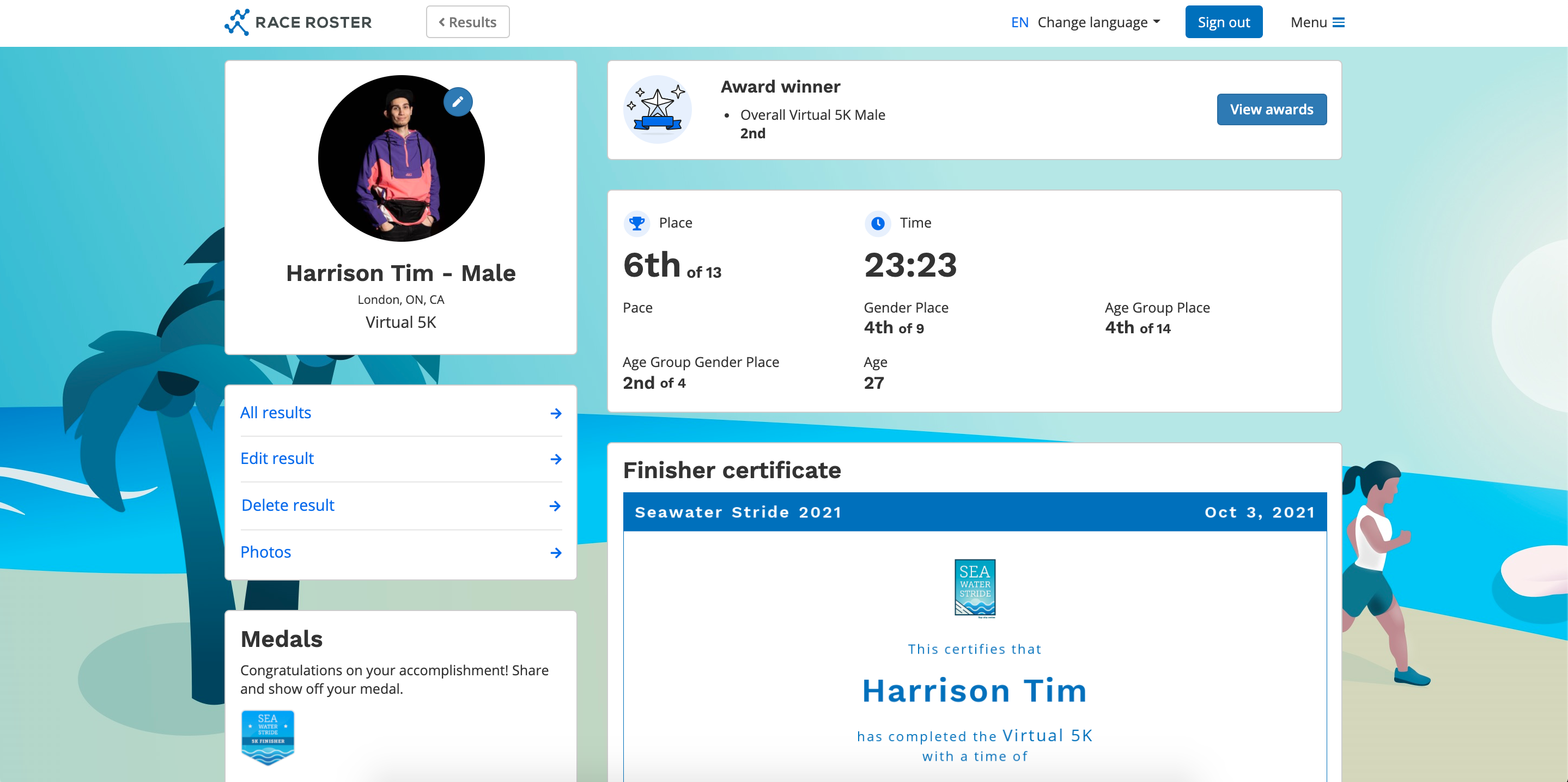
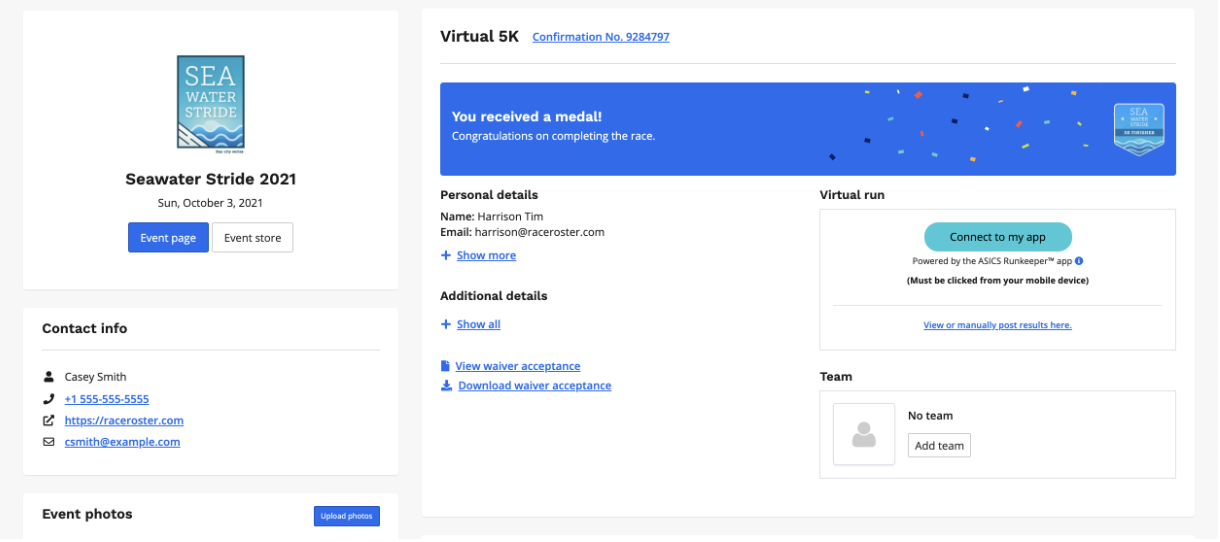
Medals are a great setting to use to reward your runners for completing a race, virtual race, or virtual challenge. Medals can be displayed on individual results pages for any participants who have either completed a race or a virtual challenge, or, just a portion of a virtual challenge.
To learn how to create digital medals, please follow the steps below.
1. Log in to your dashboard as an Event Organizer.
2. Navigate to the left of your screen to the search box and search and select Results.
You will then be redirected to the Timer dashboard and the results platform.
3. On the left-hand menu, click Medals.
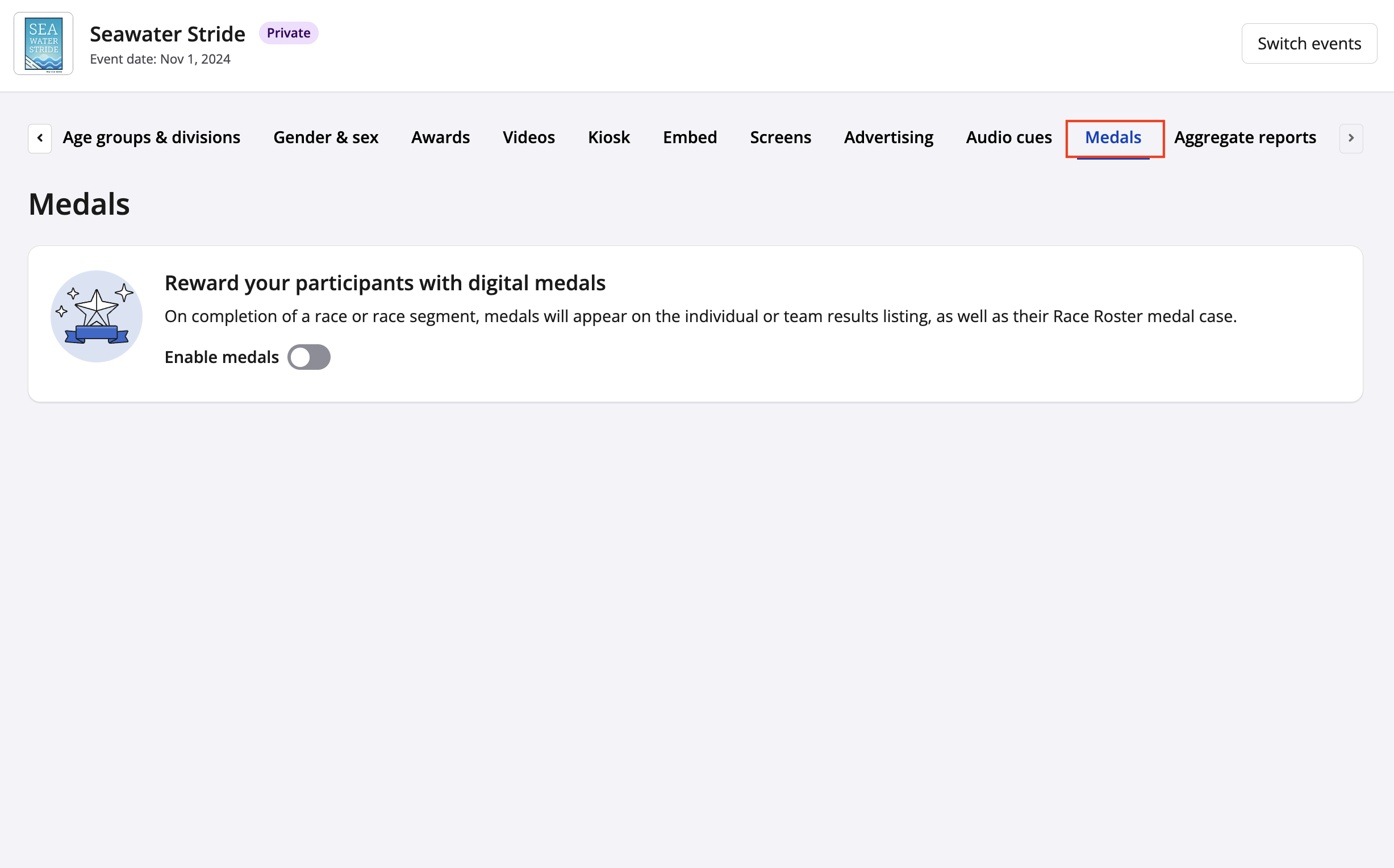
4. Enable medals by clicking the toggle on.
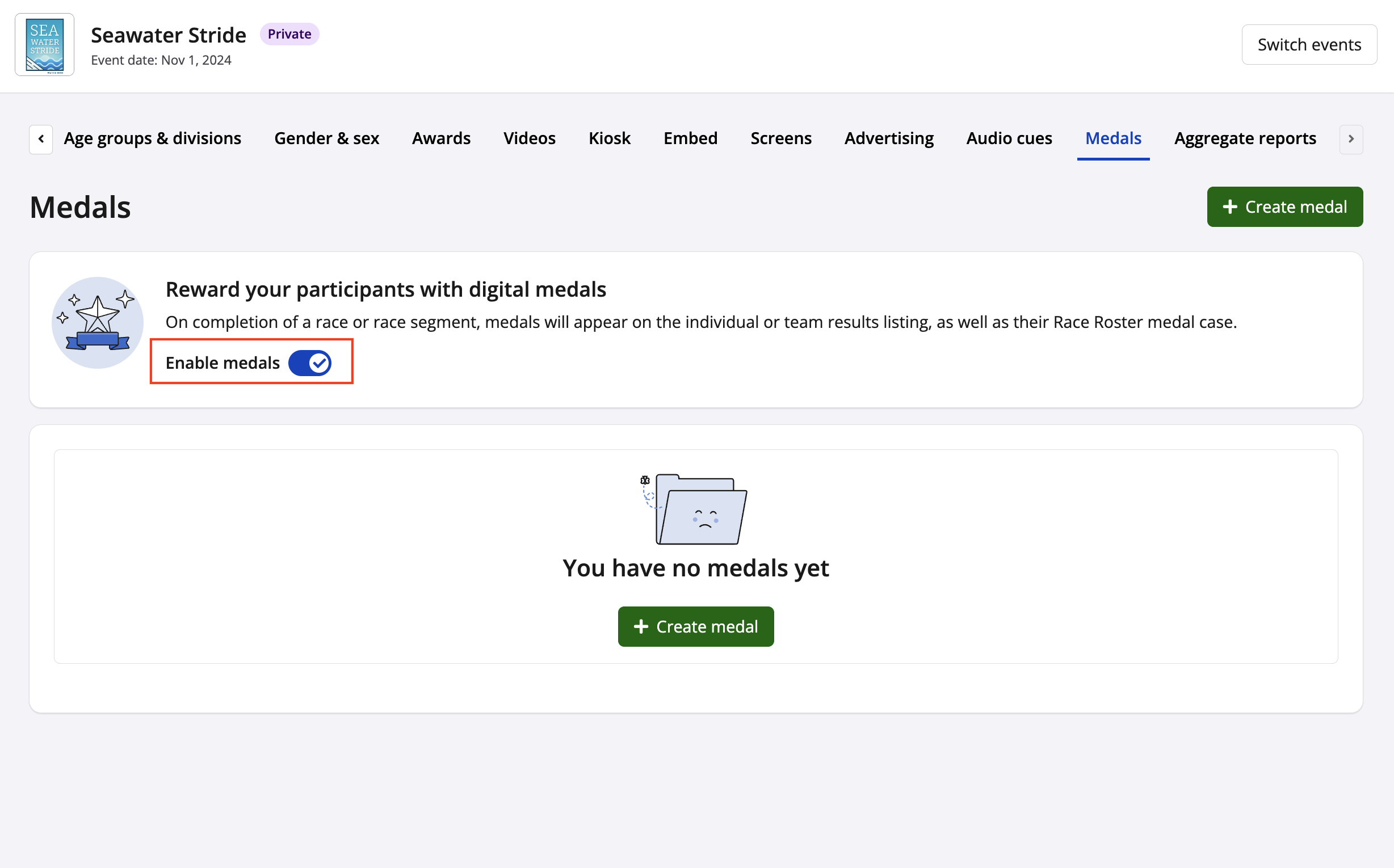
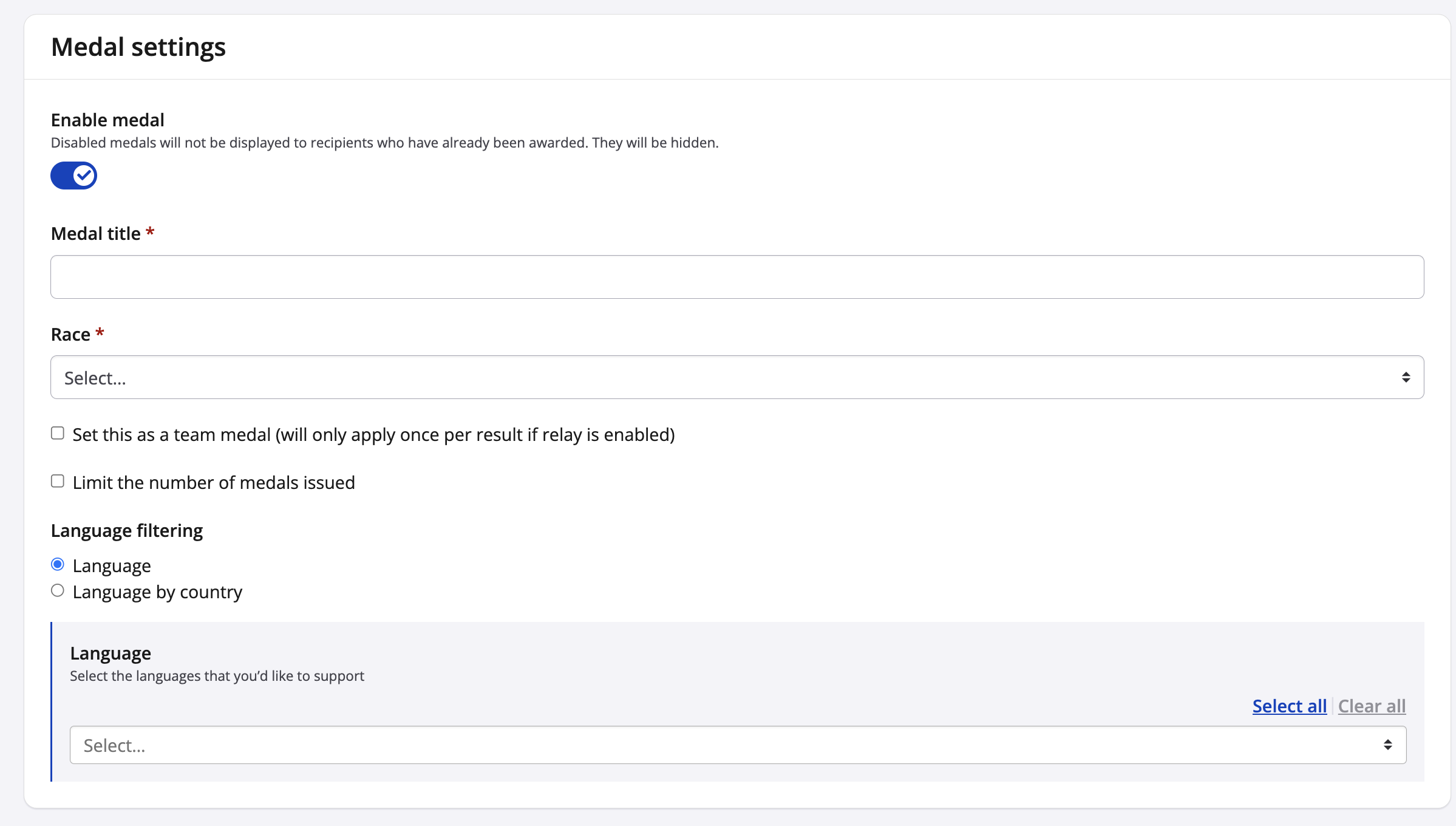
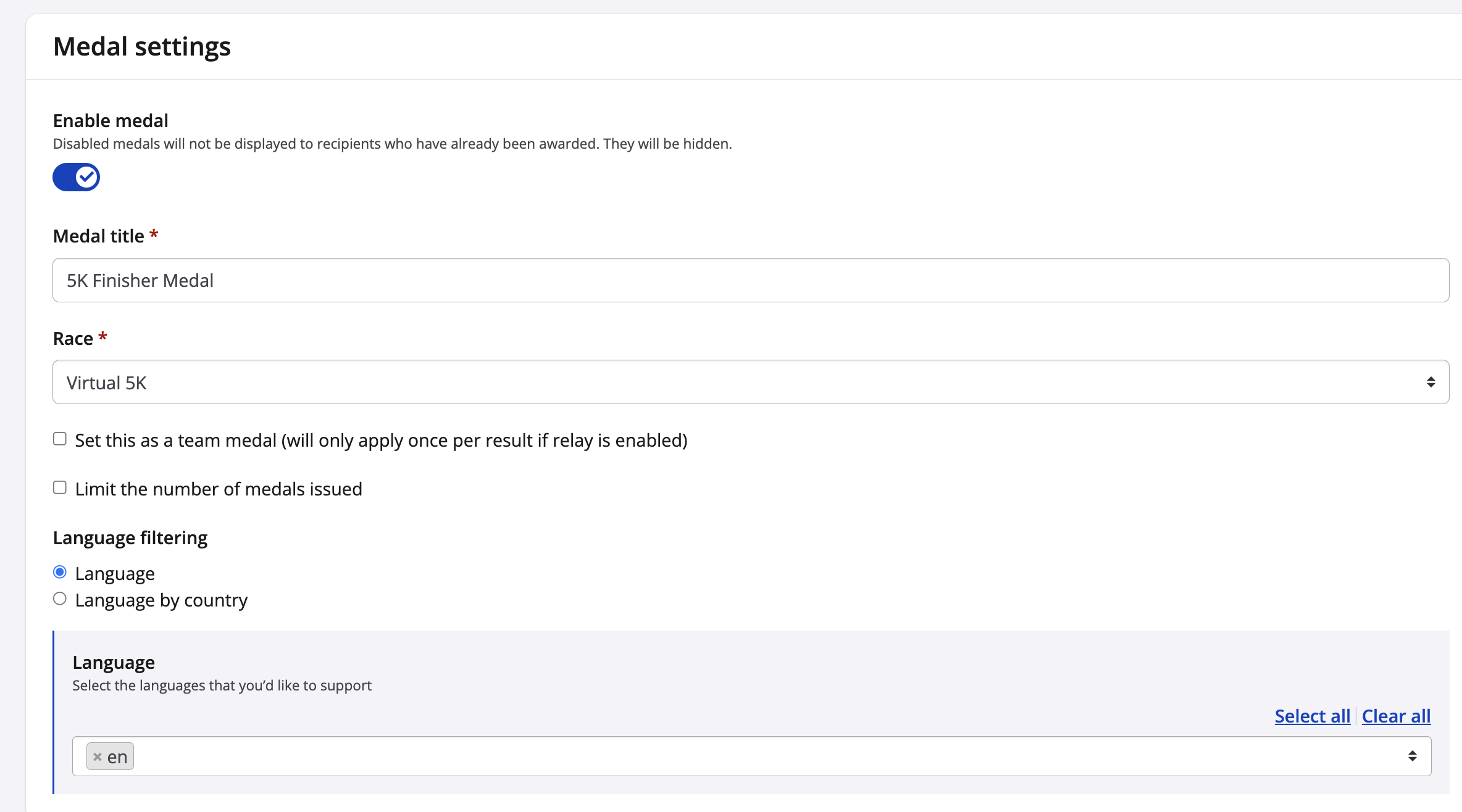
5. Click + Add medal and begin to fill out the required empty fields. You will need to give the medal a name in the medal title field and select which race or challenge you want to apply the medal to. Additional options are available if you want to establish a team medal (only applies if a relay is enabled) and if you want to limit the number of medals that are issued. Medals can also be assigned by a language based on filtering.
Virtual Race Medal Settings
Virtual Challenge Medal Settings
When you select a Challenge to apply the medal to, there is an additional setting to configure so that the medal is awarded to participants accordingly.
- Apply medal on first activity posted -- awarded to anyone who posts at least one activity will receive a medal.
- Apply medal on posting a specified number of activities -- awarded to anyone who posts a specific number of activities. You can indicate the number required once this option is selected.
- Apply medal based on completing challenge -- awarded to anyone who completes the challenge (when there is a challenge goal set up)
- Apply medal when the challenge has been partially completed -- awarded to anyone who reaches a specific milestone of the challenge (when there is a challenge goal set up)

Check out this article for more information about how to create a virtual challenge.
6. Once you're satisfied with your medal settings scroll down to the bottom of the page and upload your medal design.
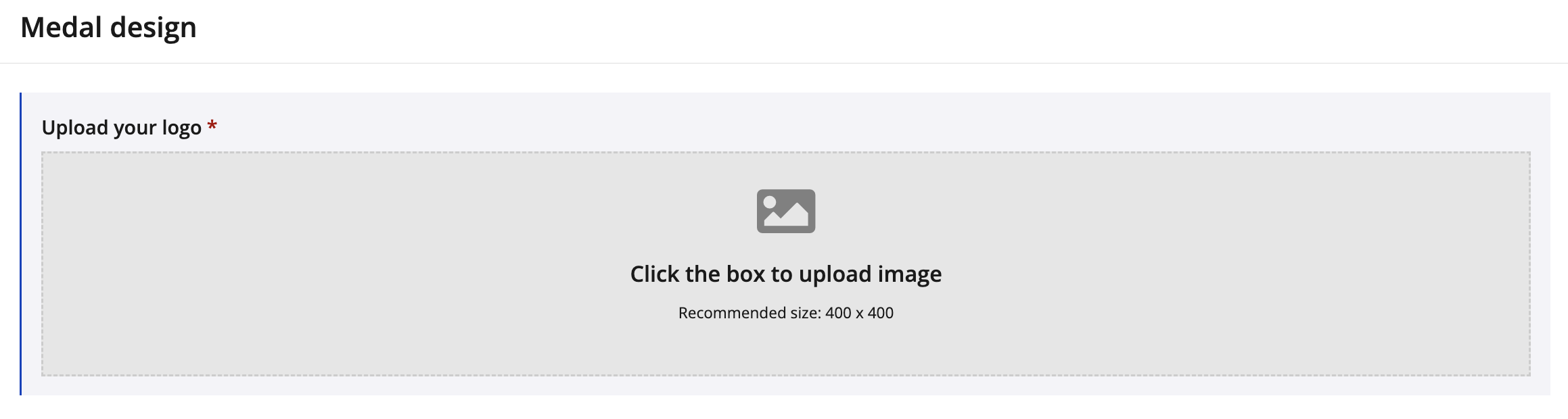
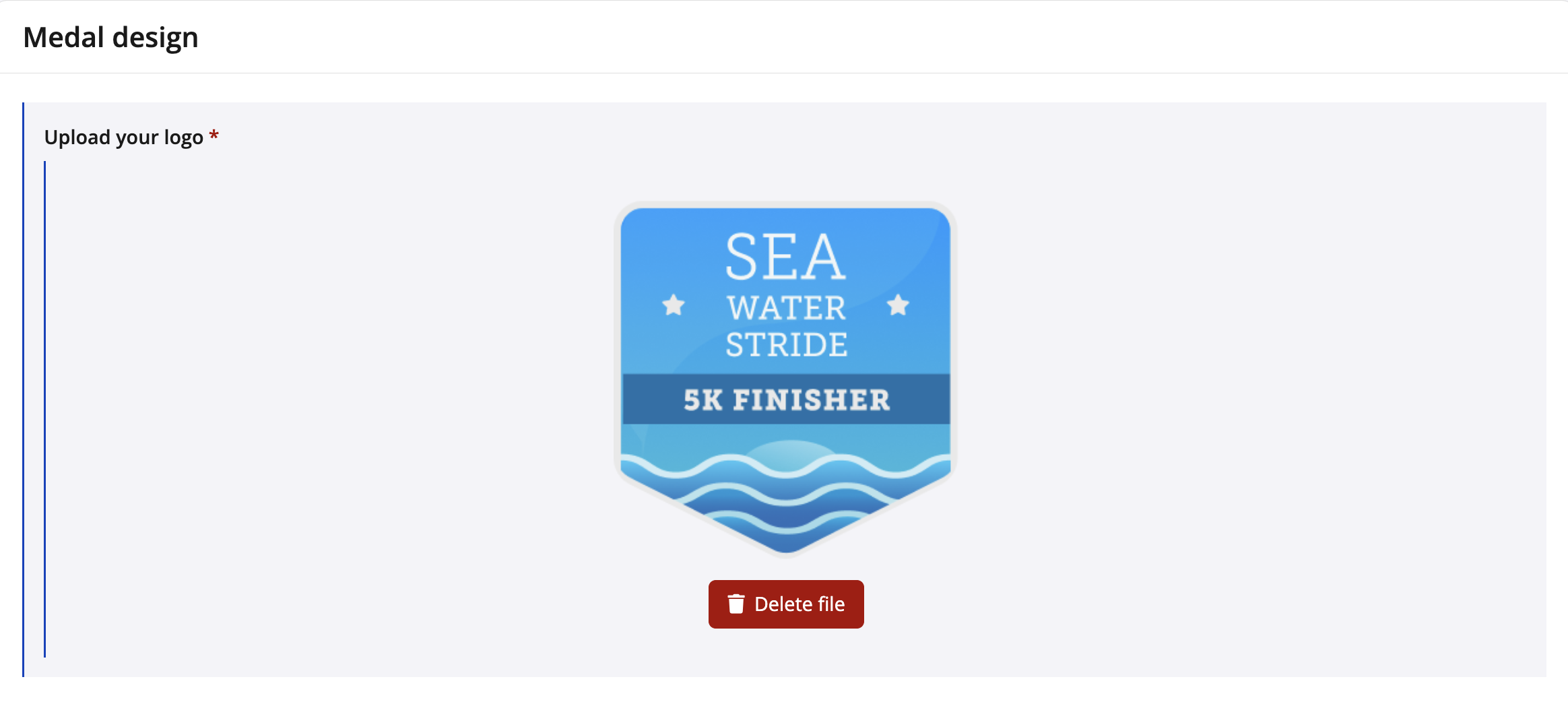
7. After uploading your medal design, click save or save & exit to complete the process.
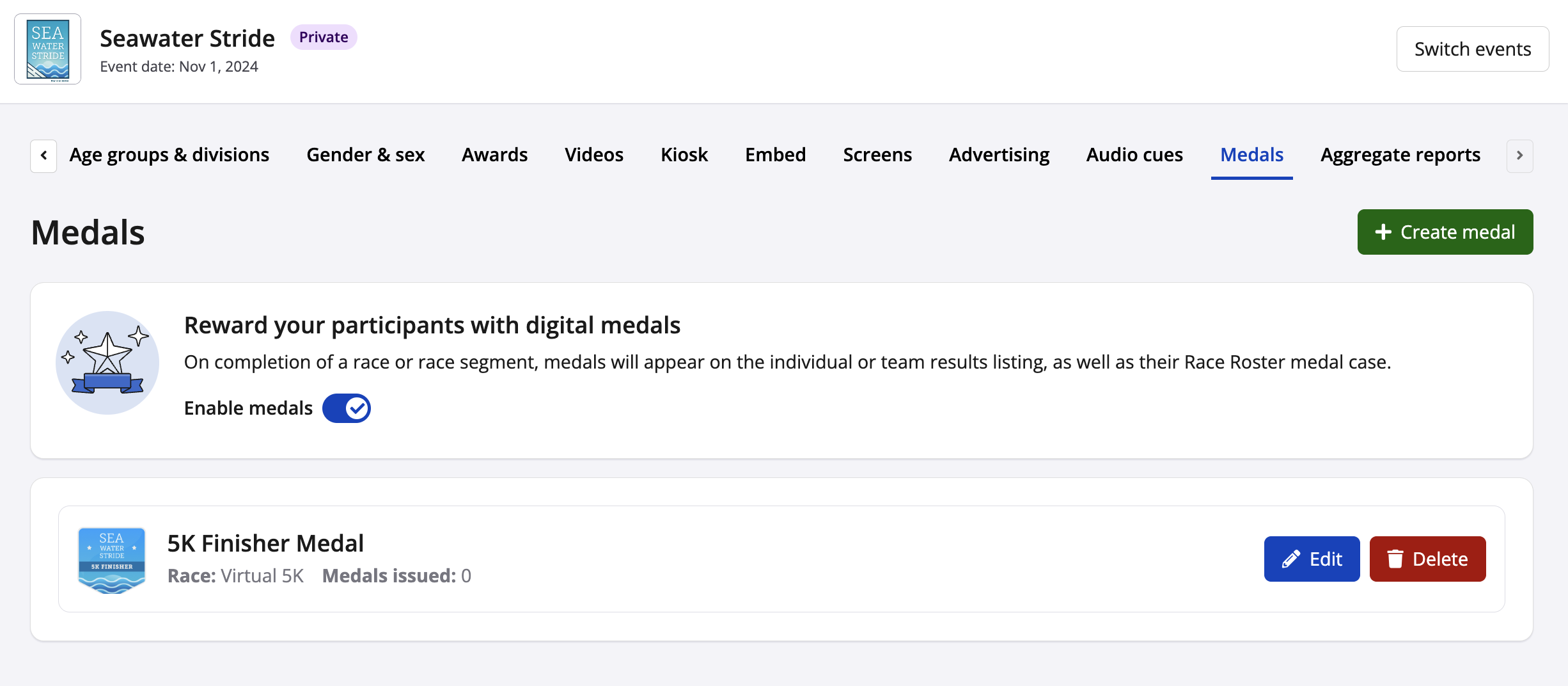
On your medals overview page, you will see all the medals that you have created and that have been assigned.
The participant will find their medal on their individual results page and on their participant dashboard.