
1. Log in or create an account on http://raceroster.com/signin/timers
If you are not an existing Timer you land on our Timing Tools welcome page. From here you can book a demo with our friendly team to learn about Race Roster's Timing Tools and Results.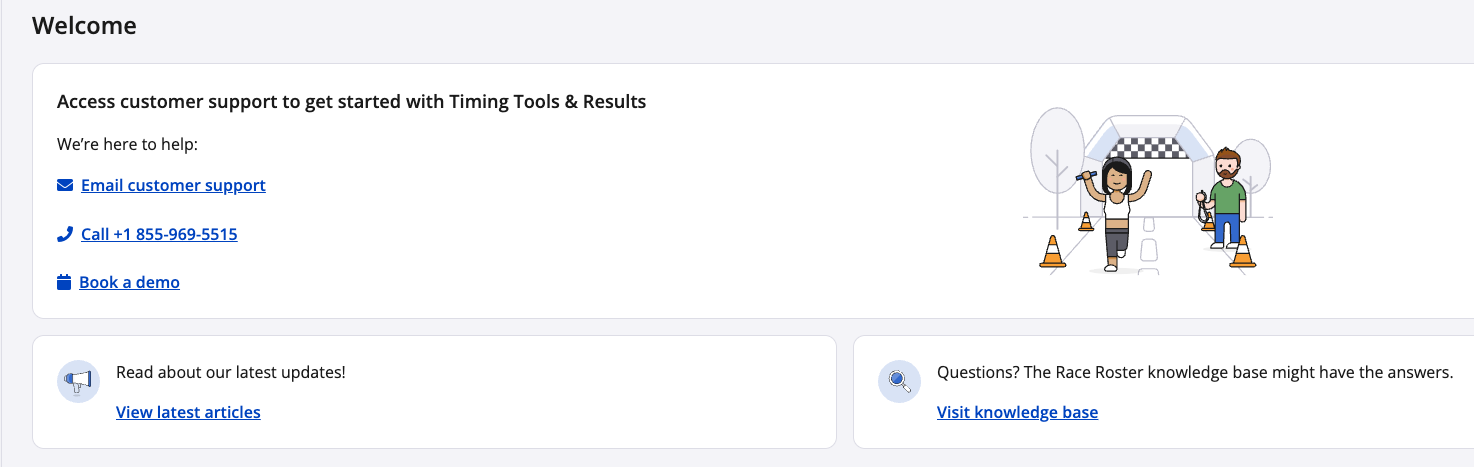
Once granted Timer access you be prompted to take a moment to enable 2FA on your Race Roster account.
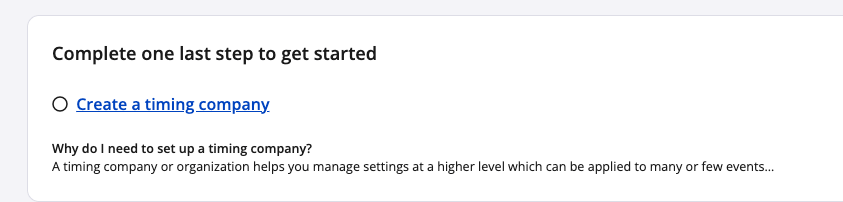
2. In order to have a Timer Dashboard, you must create a Company. A timing Company or organization helps you manage settings at a higher level which can be applied to many or few events To create a Company select Create a timing company.
3. You will need to fill out the contact information that is presented to you:
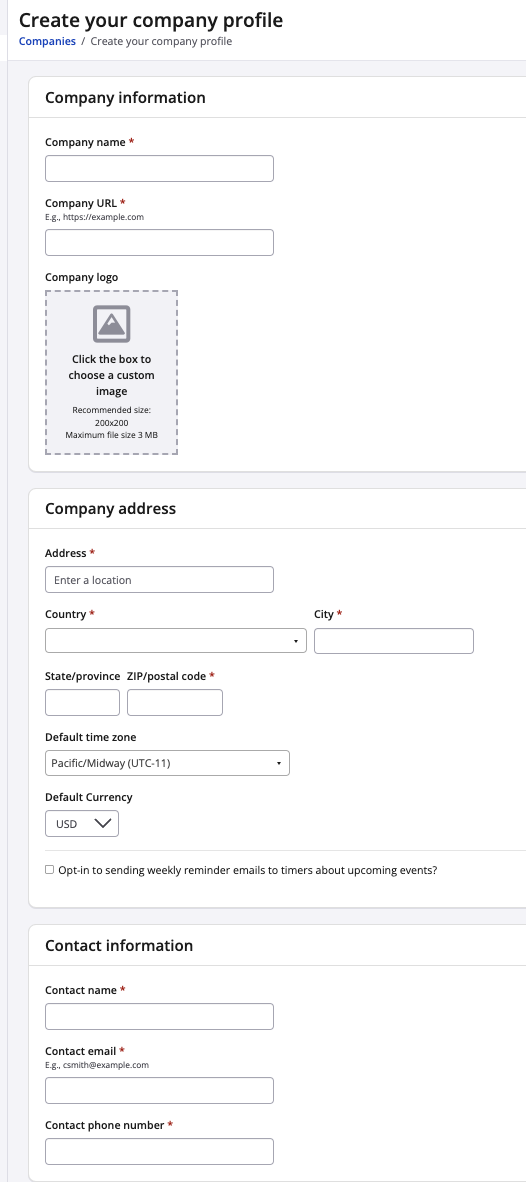
4. Once you have filled out your company profile and you're satisfied with your profile. Click the blue Save & exit button.
Your company profile has been created, you will officially have a Timer Dashboard.