
Top fundraisers will be highlighted on an event leaderboard for all participants and visitors to see. Race Roster tracks and encourages friendly competition for social recognition. Participants can fundraise alone or with a team.
To add a fundraising organization to an event, please reference the article How to link a non-profit organization with an event.
To enable leaderboards for linked fundraising organizations:
- Sign in as an event organizer.
- Navigate to the search bar on the left and search select Fundraising. Alternatively, Select Settings → Fundraising from the dropdown menu.
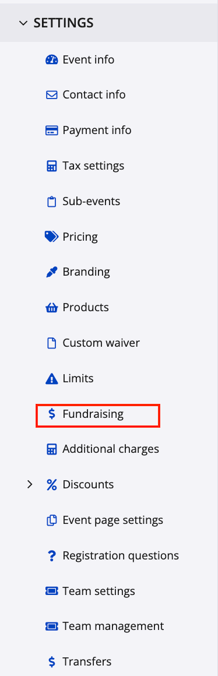
3. Scroll down to the Widgets section towards the bottom of the page.
4. Toggle on of each leaderboards to be displayed on the event page.
-
- Top donors widget on event details page
- Top fundraisers widget on event details page
- Top teams widget on event details page
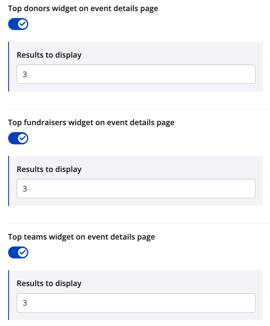
5. Select the number of top Results to display for each.
6. Select Save.
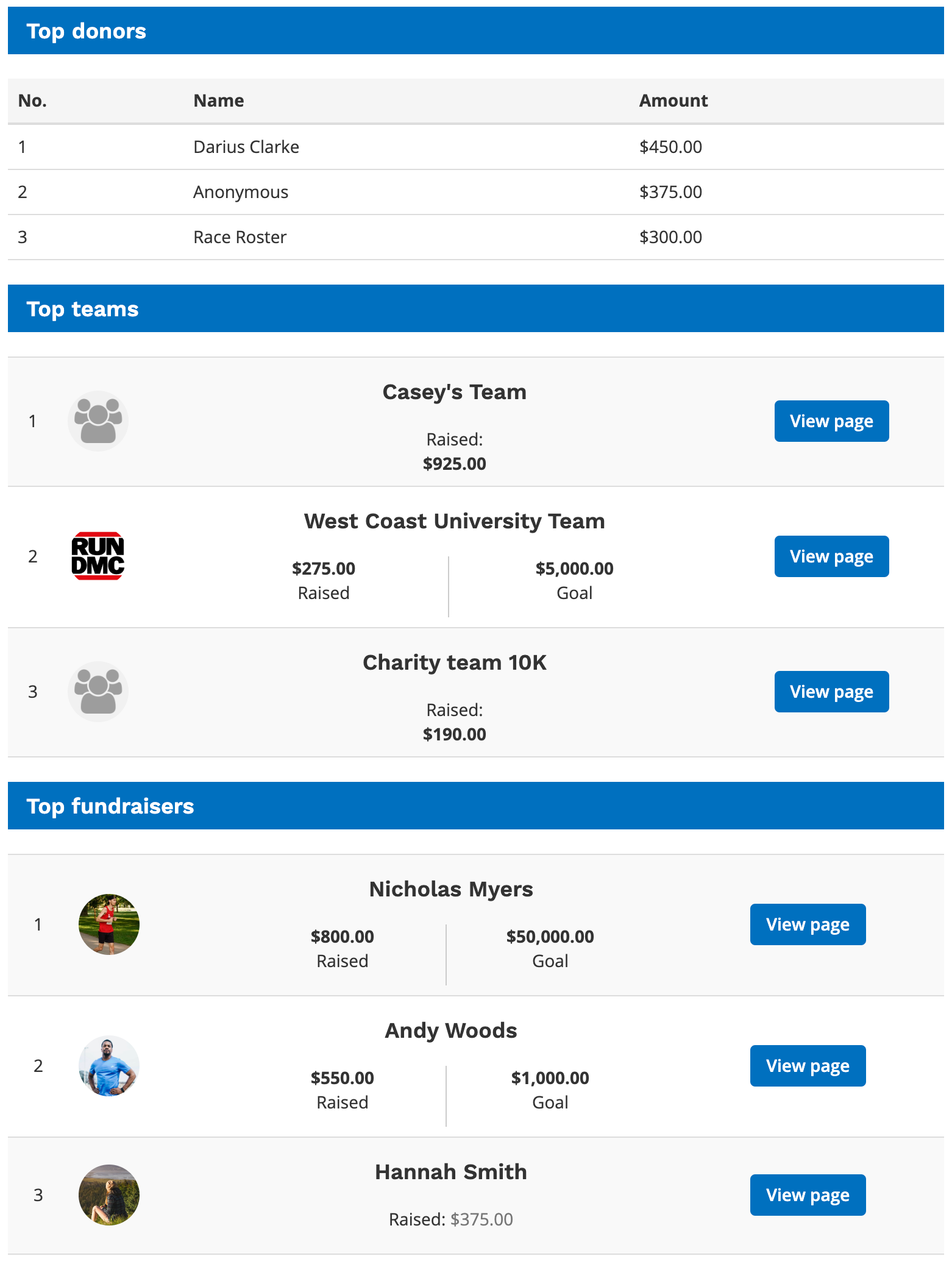
The example below displays the top 3 results for all boards:
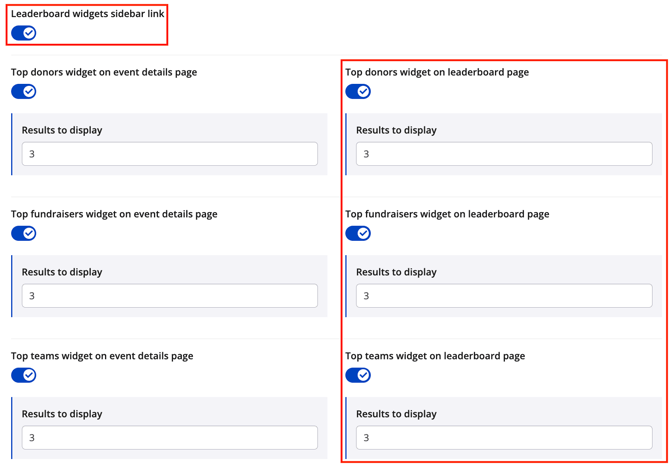
If the Leaderboard widgets sidebar link is enabled, a link to the leaderboards page will be added to the left sidebar on the event page. The leaderboards and results to be displayed can be adjusted for the sidebar link.
For more information on the fundraising settings, please visit our Fundraising Settings & Receipts section.