
Race Roster has launched three new financial reports that give Event Organisers full visibility into their event finances. These reports can be used together to review revenue and reconcile payouts. They only include data from April 1, 2026 onwards, with any data prior to this date available in the legacy transaction report.
These reports should only be used for events created after April 1, 2026. Legacy reports should not be used alongside the new reports, as combining both will make reconciliation difficult.
All dates within these reports are displayed in UTC.
- Login to your dashboard as an Event Organizer.
- Go to the lefthand sidebar and select Management > Financials & Reporting. The three new (beta) reports are listed first in the drop down:
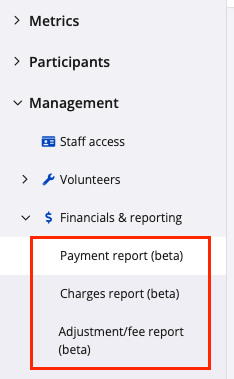
The Three Payment Reports
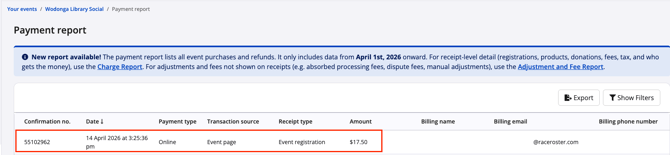
- Payments Report: The Payments report shows one row per transaction and lists all event purchases and refunds. This report aims to answer the question How much money has came in?
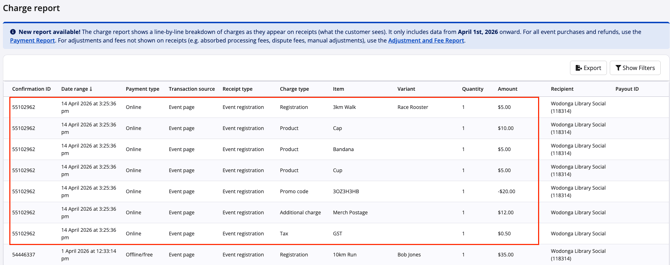
- Charges Report: The Charges report breaks each transaction into individual line items, such as registrations, products, donations, fees, tax, and who receives the revenue. This report answers the question What did the participant pay for?
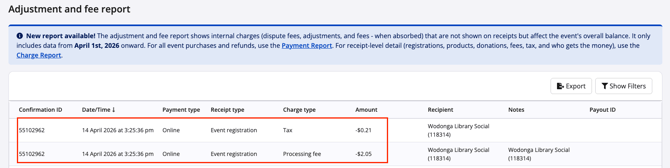
- Adjustments and Fees Report: The Adjustments and Fees report shows internal deductions and credits not visible on participant receipts. Lastly, What was deducted?
How the Reports Work Together
Each report represents a different layer of the same transaction:
- Payments = total transaction amount
- Charges = breakdown of purchases
- Adjustments and Fees = deductions applied
Exporting Reports
-
Each report can be downloaded by selecting the required filters and then clicking Export. The download will honour the selected fields.
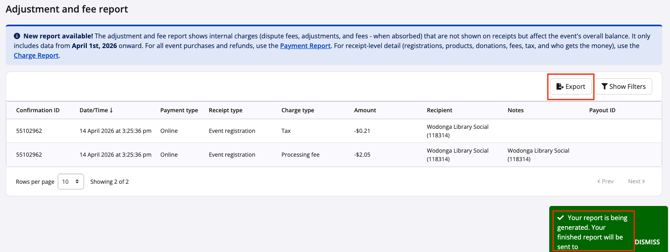
- Reports are delivered via email after export
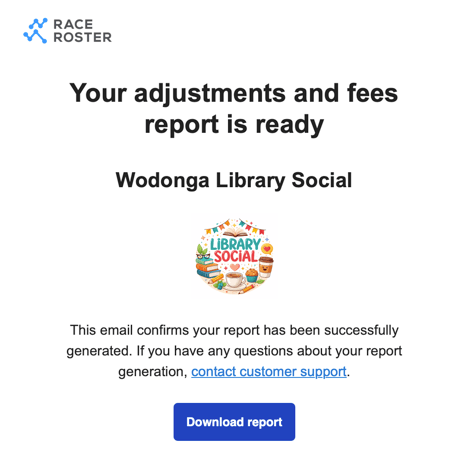
- Processing typically takes 5 to 15 minutes
- The download link is active for 3 days
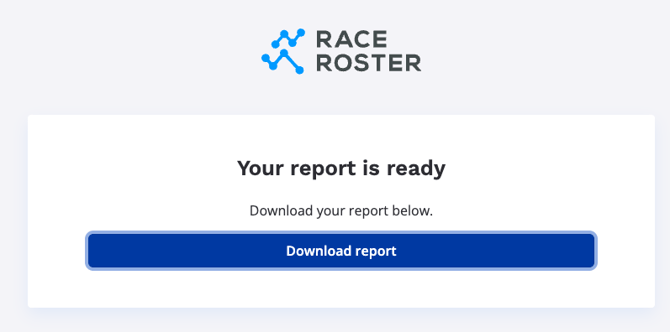
- Event Organisers should check spam or junk folders if not received
For more information on Understanding Financial Reports in Race Roster click HERE