
1. Login to your dashboard as a Participant.
2. Confirm that you're managing the correct registration. To switch the event and manage a different registration click the All events button and select the appropriate event.
3. Click the Edit registration button.
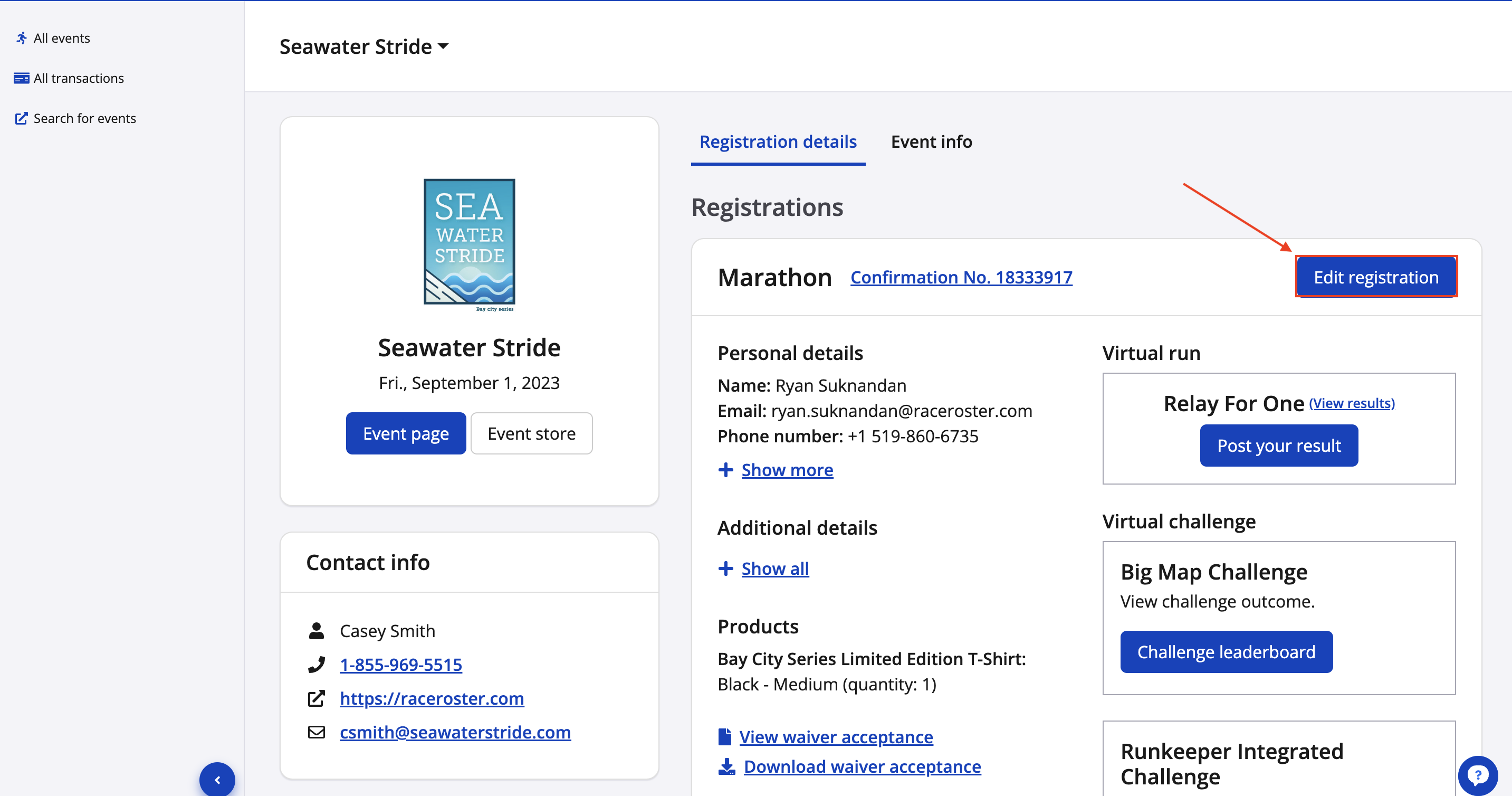
4. You will then be taken to the Edit registration details page where you can make any updates to your registration.* Each part of your registration is broken up into respective fields.
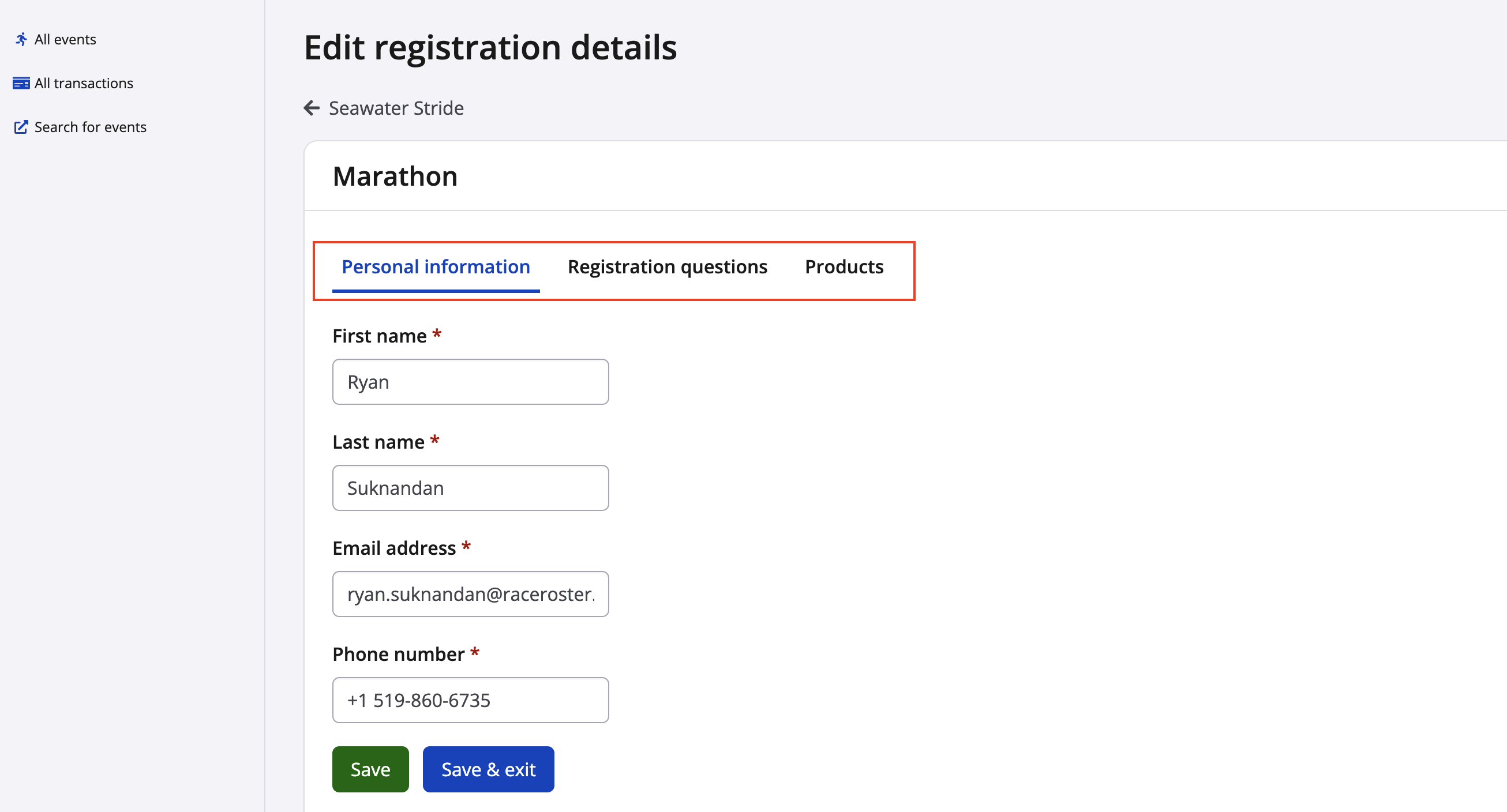
5. Once you have made the appropriate edits, click the green Save button to complete the process.
*Note: if you do not see the field/item that you need to edit, this means that the event organizer has not opted to allow edits to a particular piece of information, you will need to contact the event team directly.
You can access their contact information from the Registration details page of your Participant Dashboard for the event you are registered for.